
Preparing workspace
Generate, refine, and export brand-grade visuals from one fast surface. No more stitching tools together.
Create an account to explore · BYOK is available in supported workspaces

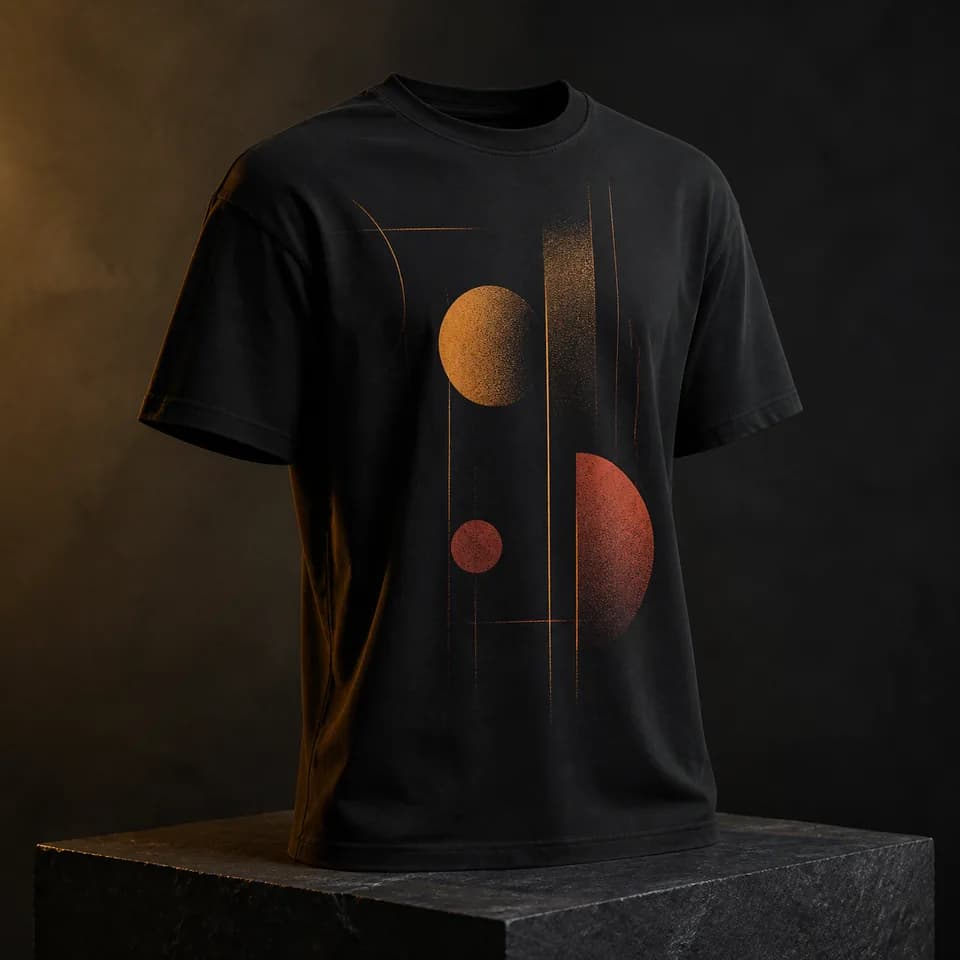

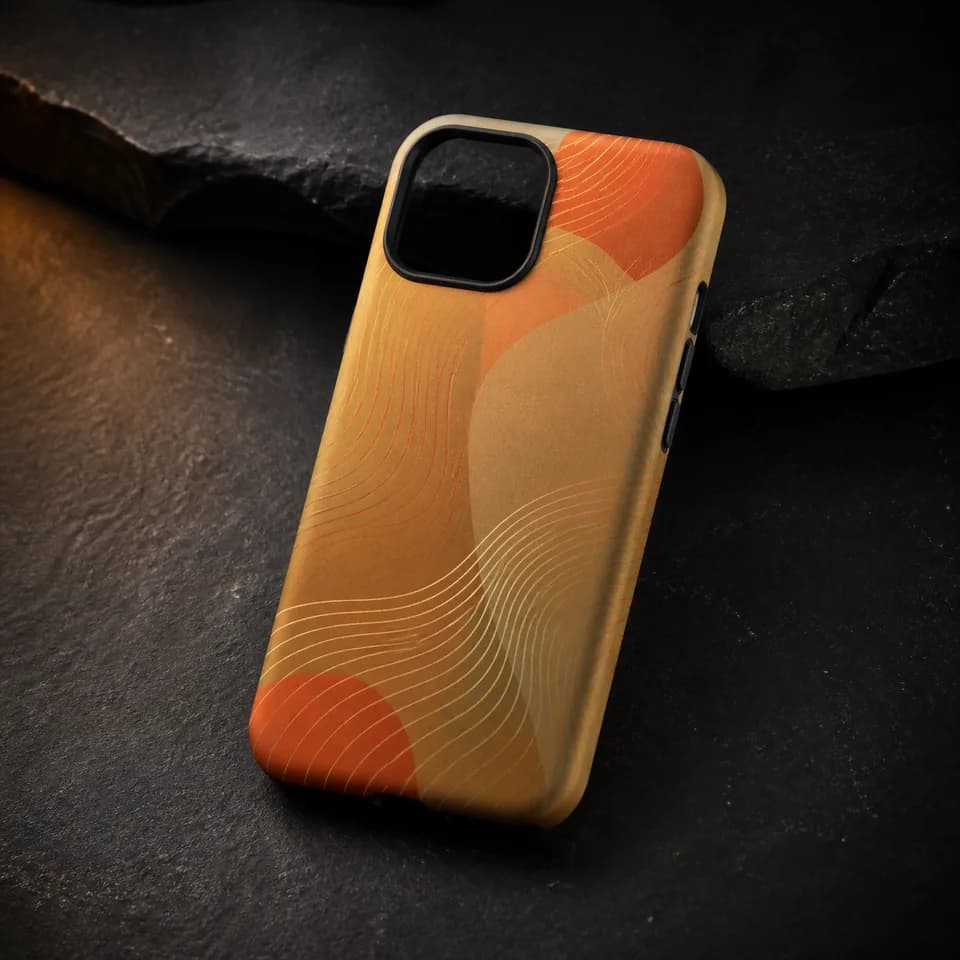
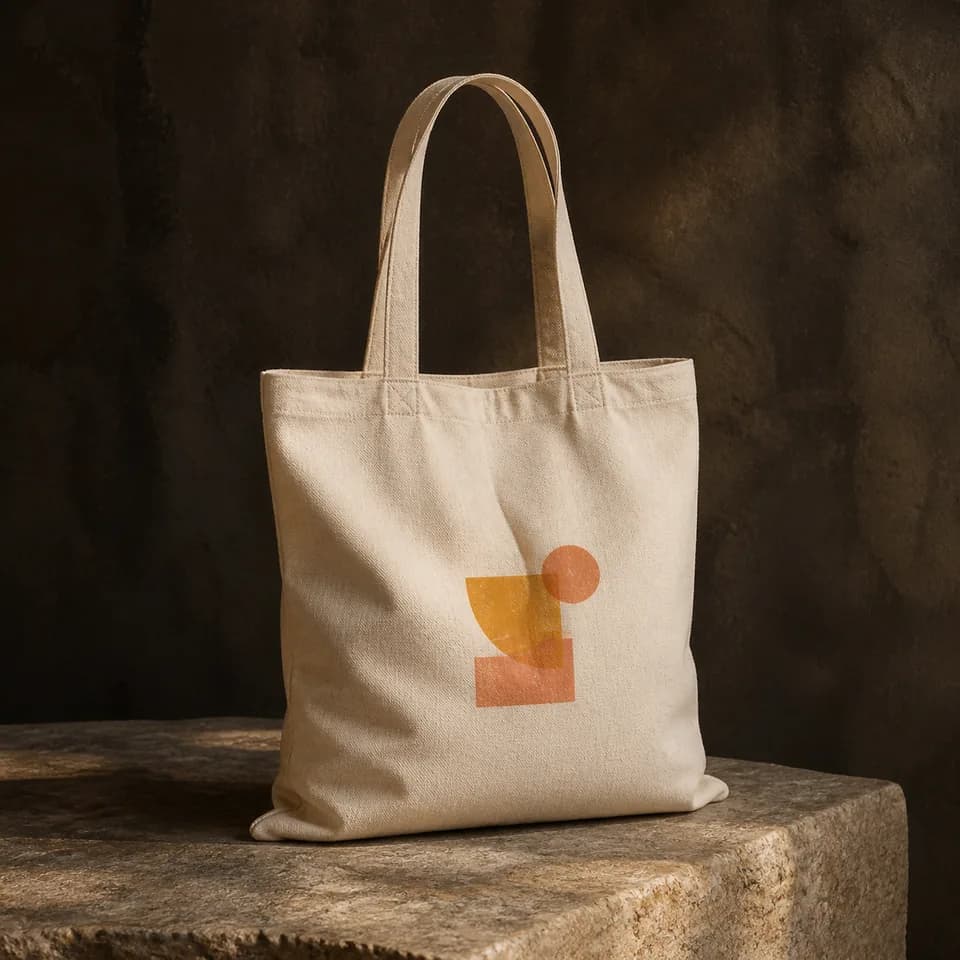

Move from a brief to generated candidates, focused edits, and reusable assets without changing workspaces.
Speed of thought
Submit a prompt, review the results returned by the selected provider, and carry a chosen image into the next tool.
Controlled output
Use masks, references, and supported seed controls to guide another run. Available controls depend on the selected tool and provider.
Reproducible at scale
Save reusable workflows and assets, then run them again when you choose. Review each new result before export.
One connected loop, end to end. Every step lives inside VEXA, so you never switch tabs.
Describe the visual. Paste a reference, attach a PDF, or just type a sentence.
Pick a tool and run it. Timing, token cost, and result count depend on the selected provider and configuration.
Mask, recolor and regenerate. Edits stay non-destructive, so every good result is recoverable.
Export the formats and sizes offered by the active tool. Save reusable work where the tool supports it.
Submit a brief to the configured provider, compare returned results, and send a selected image into the rest of your workflow.
Combine products, people, references, and a creative brief in one controlled composition workflow.
Work on a layered canvas with masks, adjustments, editable text, and non-destructive history.
Push a source image further with focused transformation controls and the output formats shown by the tool.
Plan creative work, develop prompts, discuss references, and route each result into the right VEXA tool.
Search, tag, collect, and reopen generated work without losing the context that made it useful.
Organize persona references and creative direction across views, then reuse them throughout your visual workflow.
Token cost can vary by tool and provider and is shown in the product before a supported run. Checkout is marked unavailable when payment fulfillment is not configured.
Token purchases are not available in this deployment. Prices are shown for reference.
50 Tokens
Try the studio
Billed once · ≈ 9.98¢ per token
200 Tokens
For active creators
Billed once · ≈ 7.50¢ per token
500 Tokens
Best value per token
Billed once · ≈ 6.00¢ per token
BYOK · Teams
Bring your own AI key
Provider charges and terms apply
Token packs are one-time checkout items when enabled. Refund eligibility is governed by the Terms and applicable law.
VEXA is an AI-powered creative studio that connects every step of visual work — Imagen, Composer, Studio, PixelForge, KaiBot, Asset Vault, and Personas. One workspace keeps creation, editing, assistance, and organization in the same workflow.
Available models depend on the providers configured for the deployment and workspace. The product shows the active options before you submit a supported generation.
Supported workspaces can attach an encrypted provider API key. Provider availability, billing, retention, and usage terms remain governed by that provider and the workspace configuration.
VEXA sends the inputs required for a request to the selected AI provider. Provider use and retention depend on its terms and account settings; review the Privacy page and the provider terms before submitting sensitive material.
Each tool shows its accepted file types, output formats, size limits, and aspect-ratio controls. Unsupported files are rejected at upload or import rather than silently converted.
The current pricing surface describes one-time token packs, not a recurring subscription. Checkout availability and refund rights are shown by the deployment Terms and applicable law.
Ready?
Create an account to explore the tools available in this deployment.
BYOK is available in supported workspaces · Provider terms apply